

 CADinTools on Facebook

CADinTools
VBA Macros for CorelDraw
Offers: NOW from US$ 19.50 to US$ 36.00
FREE for 30 days
 /
/


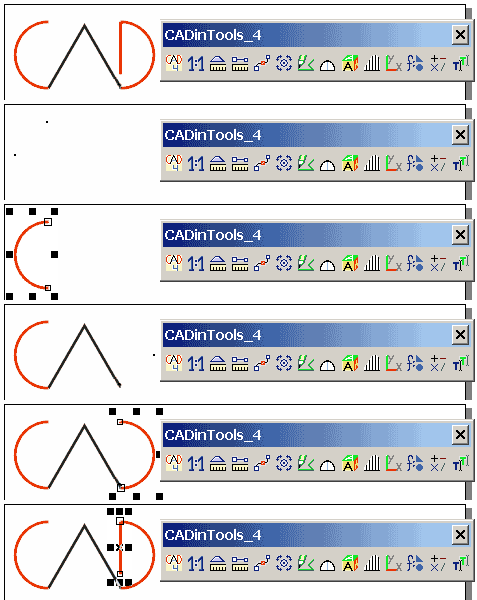
 Toolbar features
Selection Filter, Drawing Scales, Length and Area, Curve Edition, Transform Shapes and Nodes, Draw Lines, Arc, Circle, Triangle, Polygon, Rectangle, Isometric Projections, Surface Development, Calculator, Unit Conversion, Quick Text Editor.
CorelDraw Graphics Suite: CorelDraw 12 - 2025.
CorelDraw Technical Suite: CorelDesigner 12 - 2025.
Operating System: Windows 98, 2000, 2003, XP, Vista, 7, 8, Windows 10, Windows 11.
VBA (Visual Basic for Applications).
If VBA is not installed, you need to reinstall CorelDraw and activate VBA. (VBA
is provided with most CorelDraw suites, not with all)

 Installation Guide
Install the Software in your PC and activate the toolbar in your CorelDraw application

 Download the Free Trial
from CADinTools.com or Download.com. Try the software for 30 days (some tools are disabled after the trial time)

 Buy CADinTools macros for CorelDraw
Order a License for one computer. Future updates of the software are free.
 CorelDRAW Tips
Tips, tricks, secrets and examples for CorelDraw